One of the first decisions when you add wholesale to WooCommerce is who the store is for. The answer shapes how prices are shown, who can check out and what your registration flow looks like.
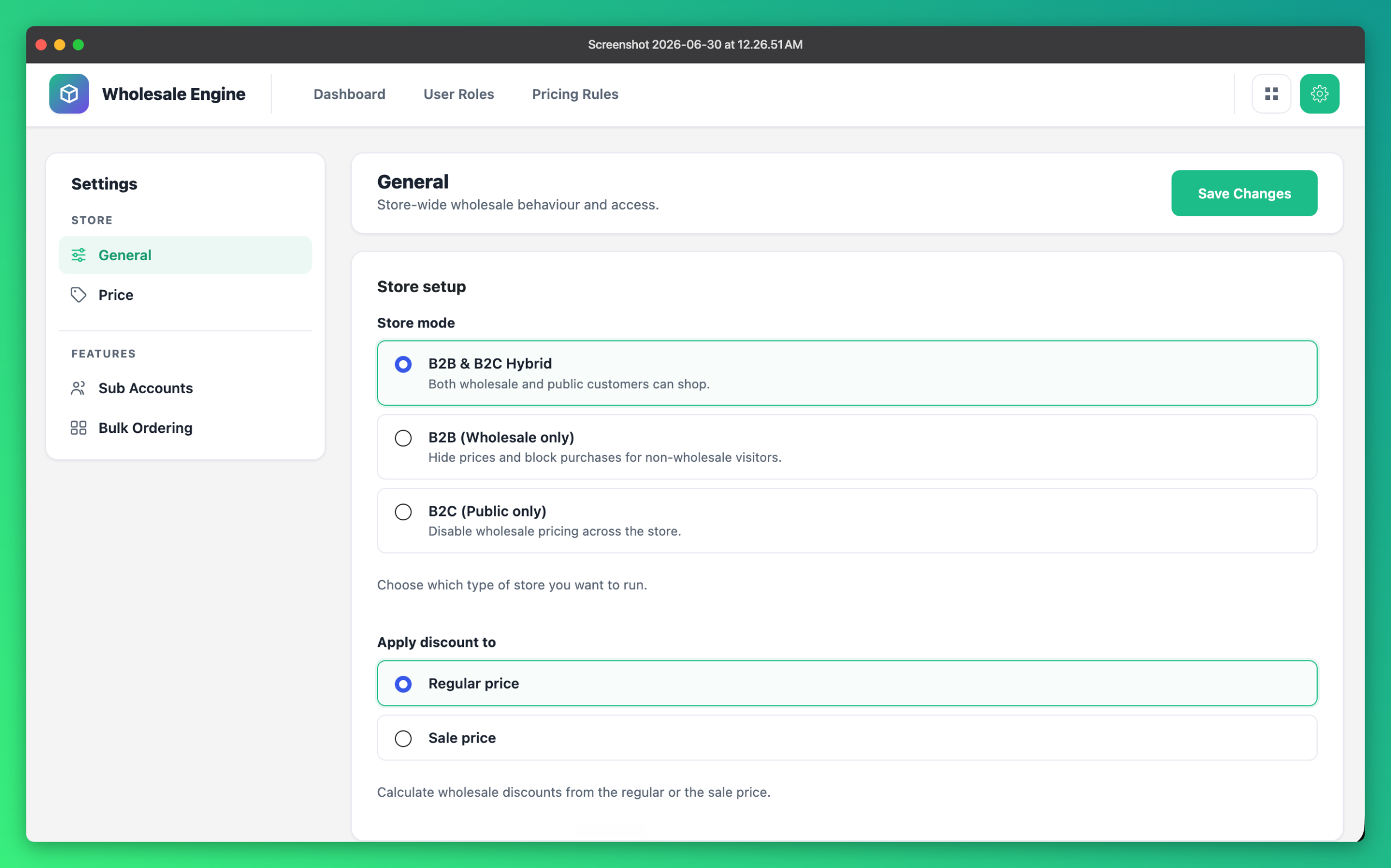
B2B (wholesale only)
Best for manufacturers and distributors who only sell to trade customers. The store is locked to approved wholesale buyers: prices are hidden and checkout is blocked for everyone else.
- Pair it with a registration form and approval workflow
- Use minimum order quantities to protect your margins
- Consider tax-exempt roles for VAT-registered buyers
B2C (public only)
A normal retail store. Wholesale features are switched off when you don’t need them — handy if you are preparing a wholesale launch but aren’t ready yet.
B2B + B2C hybrid
The most flexible option. Retail shoppers see normal prices, and logged-in wholesale customers automatically see their wholesale pricing — all from one catalog. Most growing brands end up here.
Hybrid stores benefit most from role-based pricing: one product catalog, different prices per audience.
How to switch modes
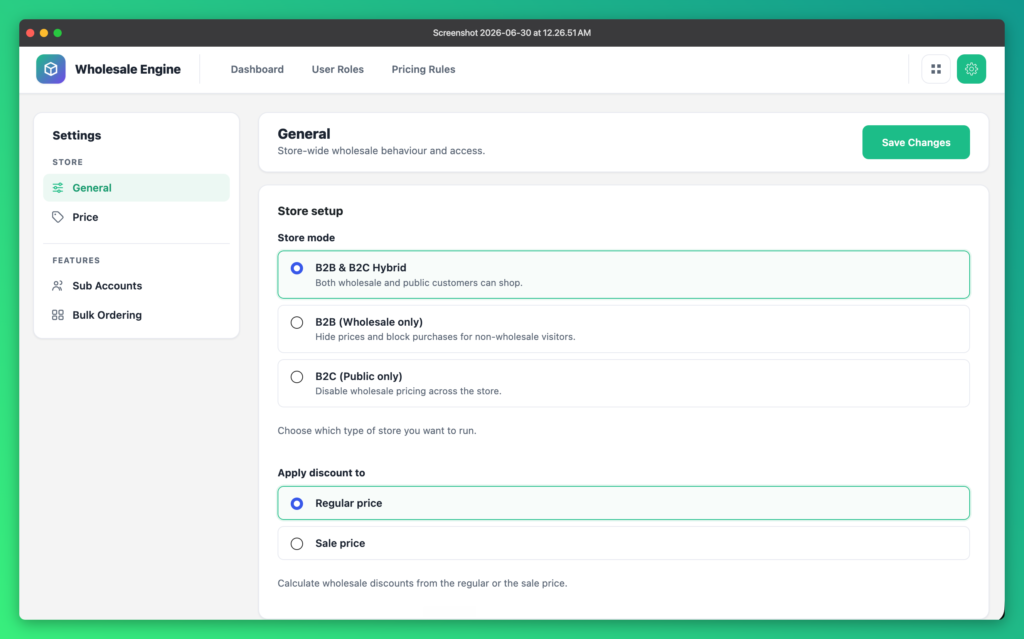
In Wholesale Engine, choose your store mode under Settings (or in the Quick Setup wizard). You also pick your wholesale discount base — regular price or sale price — on the same screen.
Not sure yet? Start in hybrid mode — you can change it at any time.