
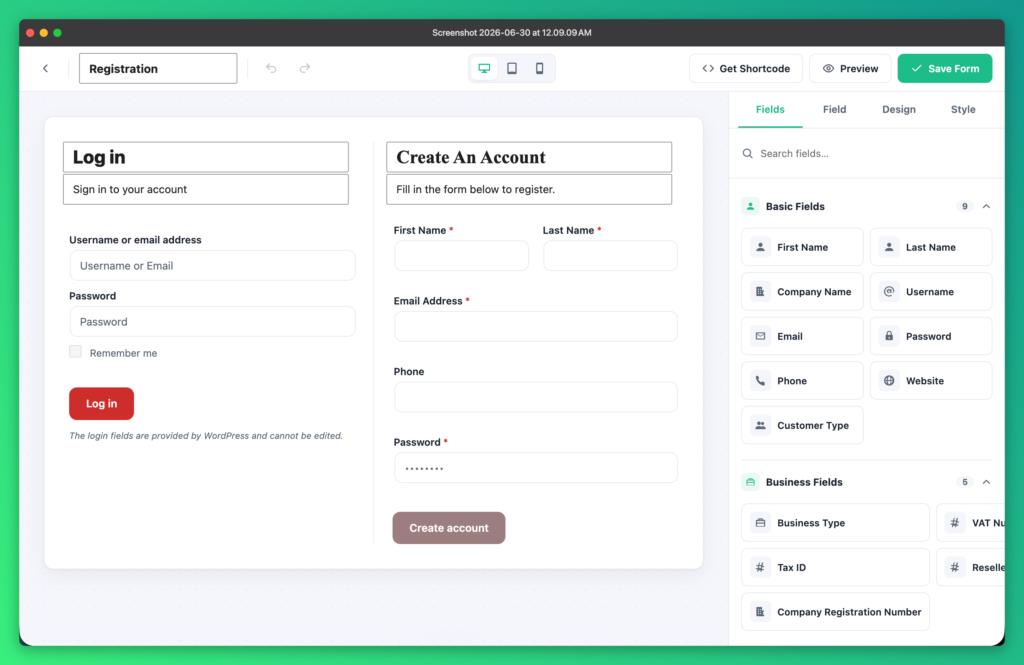
A good wholesale registration form does two jobs: it makes applying easy for genuine buyers, and it gives you the information you need to approve them. Here is how to build one in WooCommerce.
1. Open the form builder
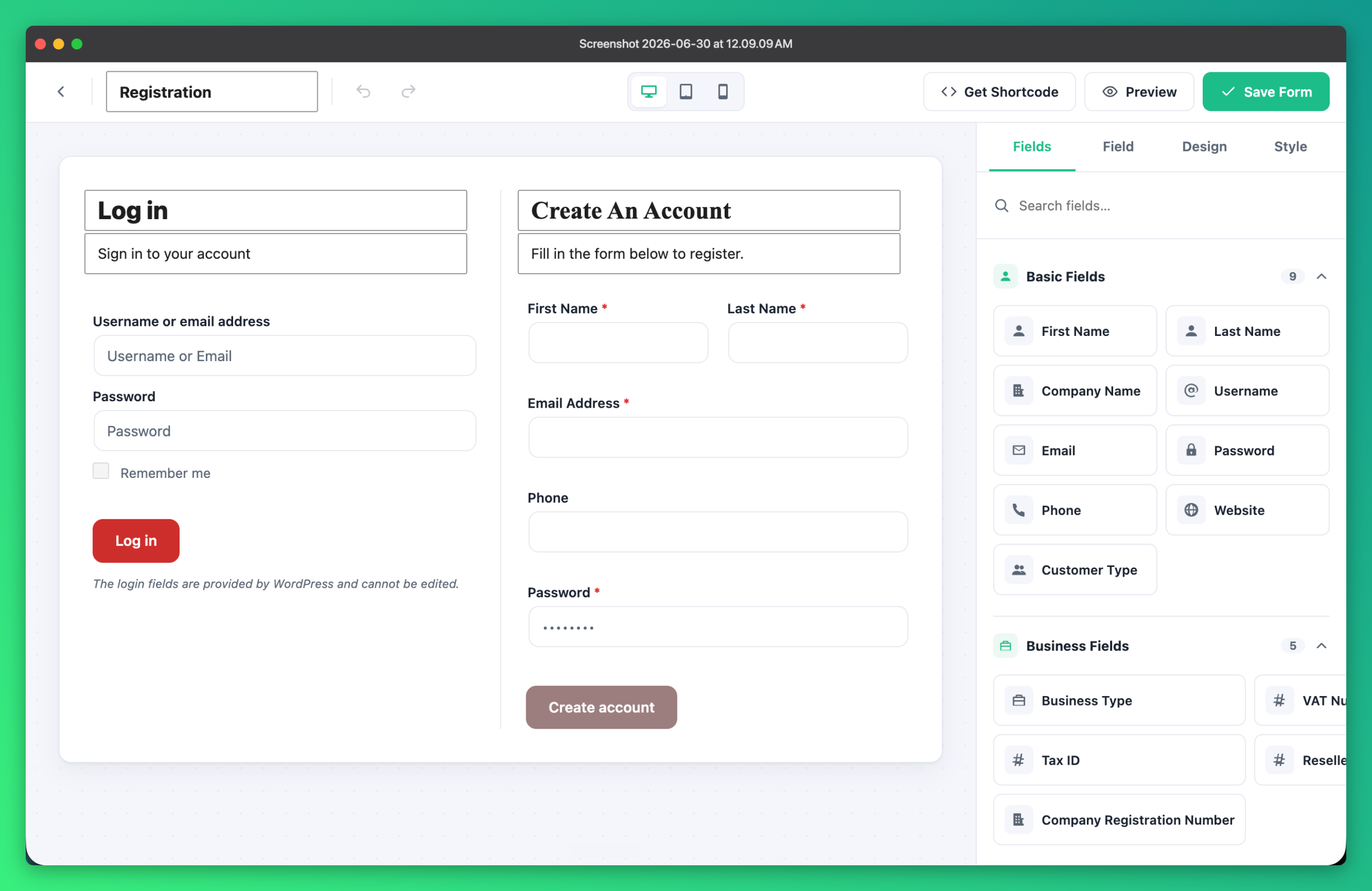
Go to Wholesale Engine → Registration. The visual builder shows a live, what-you-see-is-what-you-ship preview as you work.
2. Add the fields you need
Drag in fields such as company name, VAT / tax ID and business type. You can add custom fields, mark fields as required and arrange them in columns. A B2B / B2C customer type selector can show or hide fields depending on who is applying.
3. Choose a layout
- Registration only
- Login + registration (split)
- Tabbed
- Popup
4. Pick an approval method
Decide how new applicants are handled: manual approval (you review each one), auto-approve, or verify email first.
5. Keep spam out
Built-in spam protection with reCAPTCHA and a honeypot trap stops bots without adding friction for real buyers.
6. Style it and publish
Adjust typography, colors and button styling for both the login and registration forms — no custom CSS needed. Then copy the ready-to-use shortcode onto any page, or use the Login and Registration blocks. The Quick Setup wizard can also create the registration page for you.
Next step: connect approved buyers to role-based wholesale pricing.