Role-based pricing means a customer sees a price that depends on who they are. A distributor logs in and sees distributor prices; a retailer sees retailer prices; a guest sees your normal retail price. In WooCommerce, the cleanest way to do this is with user roles.
Why use roles for wholesale pricing?
- It scales. Assign a role once and every product follows the rules for that role.
- It is automatic. Customers see the right price the moment they log in.
- It is flexible. Each role can have its own discount, tax display and coupon rules.
Step 1: Create your wholesale roles
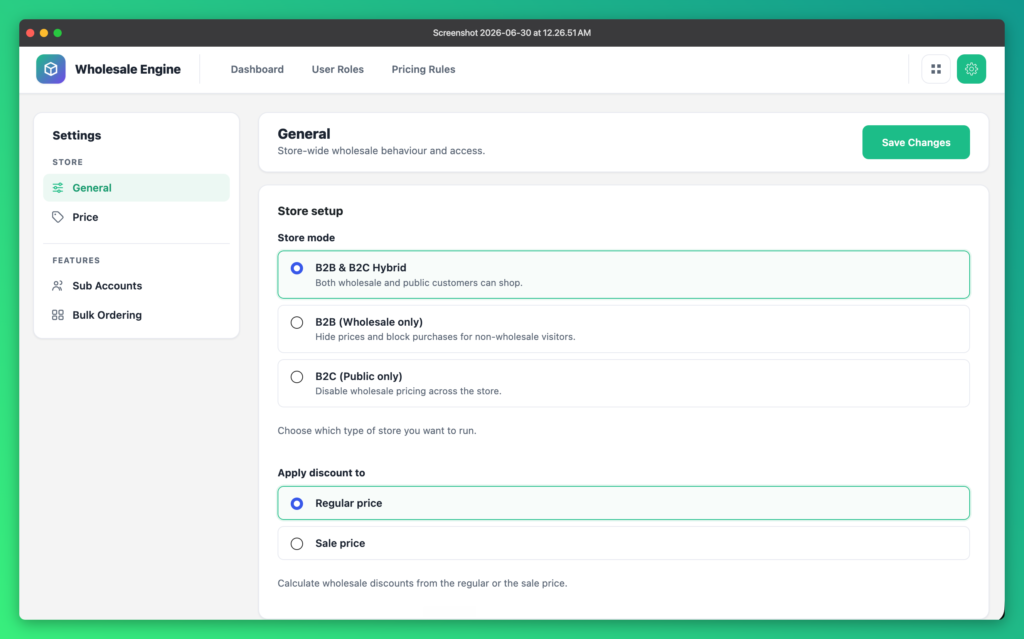
With Wholesale Engine installed, go to Wholesale Engine → User Roles and create a role for each customer group — for example Distributor and Retailer. You can create as many wholesale roles as you need.
Step 2: Set a baseline discount
Give each role a baseline discount. This is applied automatically to every product, with zero per-product setup. A typical setup looks like this:
- Distributors get 30% off everything
- Retailers get 15% off selected categories
You can also choose whether discounts are calculated from the regular price or the sale price, and whether prices are shown including or excluding tax for each role.
Step 3: Add product, category or quantity rules
For anything more specific, add a rule under Pricing Rules and target the role. Rules can apply to individual products, whole categories, cart totals or quantities — and you can set a fixed wholesale price per product or variation for a customer group.
Tip: combine a role baseline discount with a quantity rule to reward larger orders from your best wholesale customers.
Step 4: Assign customers to roles
Assign the role to existing customers, or let new buyers apply through your wholesale registration form. You can even auto-migrate buyers into a wholesale role after a qualifying order.
Step 5: Test it
Log in as a test customer in each role and check a simple and a variable product. Wholesale pricing applies to both, including the price range shown on listing pages.
Ready to try it? Download Wholesale Engine free or read the role-based pricing docs.